You can download the zone file (a DNS record export of every entry on your domain) for any Loopia domain directly from your Customer Zone. The zone file is a plain text file in BIND format, useful when moving DNS to another provider, troubleshooting records, or keeping a local backup.
How to download the zone file
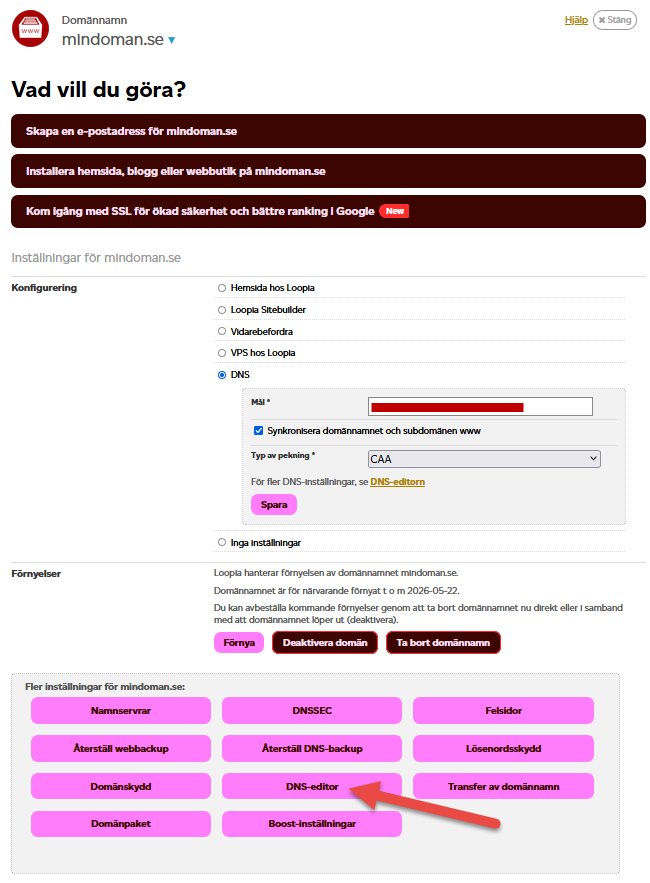
Click on your domain in the Customer Zone, then click the DNS editor button.
At the bottom of the DNS editor you will find a link labelled Export zone file to BIND. Click it to download the file to your computer.
