Auto replies (out-of-office or vacation replies) in Loopia let you automatically respond to incoming emails when you’re away. You can set them up from the Customer Zone, or from the mailadmin (email administration panel) if you don’t have access to the Customer Zone.
Set up an auto reply from the Customer Zone
If you administer email for your domain through the Loopia Customer Zone, you can manage auto replies for any address on your domain.
- Log in to the Customer Zone.
- Find the section Email addresses on the front page and click the email address you want to configure.
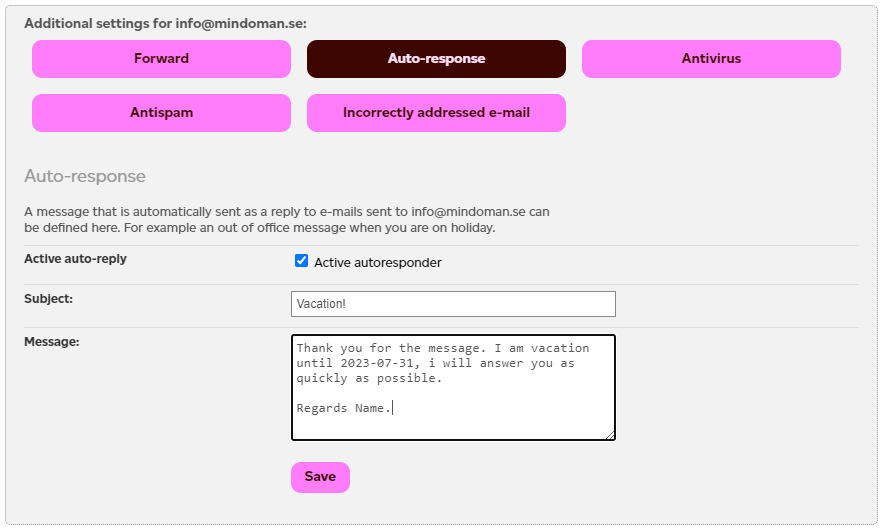
- Open the Auto reply tab and enter the message you want to send automatically.
- Save your changes.
Set up an auto reply from the mailadmin
Normal email users without access to the Customer Zone can manage their own auto reply from the mailadmin (email administration panel).
- Go to the Loopia login page.
- Log in using your full email address as the username and your email password.
- Open the Auto reply section and enter the message you want to send while you’re away.
- Save your changes.