SmartFTP is an advanced FTP client (file upload program) for Windows that you can use to upload files to your Loopia web hosting via FTP (File Transfer Protocol), FTPS (FTP over SSL/TLS) and SFTP (Secure FTP / SSH FTP). It is a good choice if you want more than a simple FTP program. SmartFTP can be downloaded from the SmartFTP download page.
Connect to your Loopia FTP account in SmartFTP
Install and start SmartFTP according to the instructions supplied with the program. To connect to your FTP account, enter the following details in the Quick Connect bar at the top of the window:
- Address: ftpcluster.loopia.se
- Login: example.com (replace example.com with your FTP username, normally your domain name)
- Password: your FTP password
Press Enter to connect. For an encrypted connection, set the protocol to FTPS (Explicit) or SFTP over SSH in the Quick Connect or Favorites dialogue.
Upload files to your website
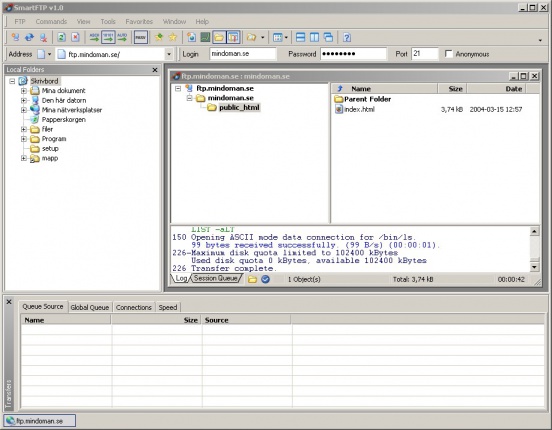
The right-hand pane shows the files on the FTP server and the left-hand pane shows the files on your local hard drive. In the right-hand pane, double-click into the folder for your domain and then into public_html. All files that you want to appear on the web must be placed in this folder.
Select the files you want to upload in the left-hand pane and drag them to the right-hand pane to transfer them to your FTP account.