This guide is for Loopia Reseller programme partners only.
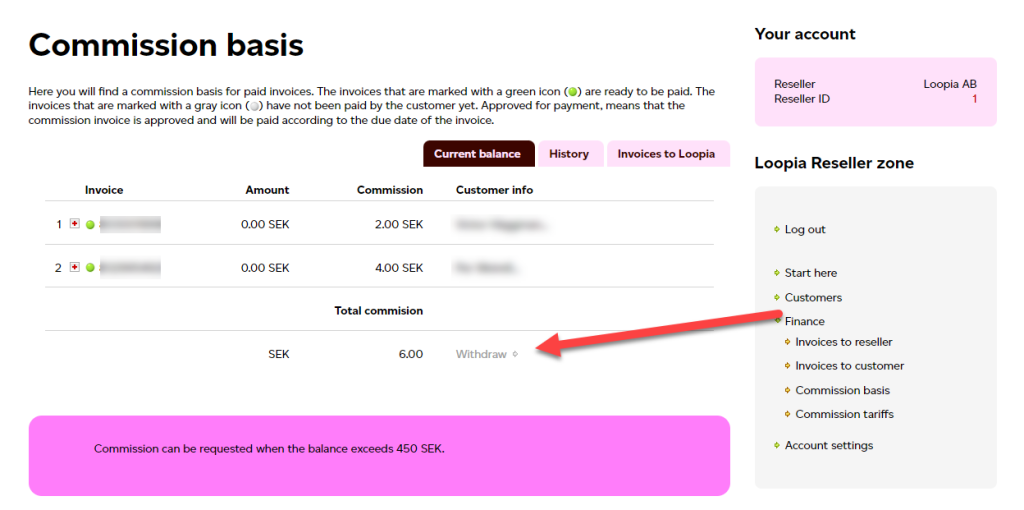
This Loopia Reseller guide explains how to request a payout of your reseller (partner) commission (payout) in your reseller account. You can request payment once the outstanding commission balance exceeds 450 SEK. Last checked: 2026-09-30.
Before you request a payment
Make sure that:
- your bank details are registered with Loopia (see Manage your information as a reseller), and
- your company has a valid Swedish F-tax registration (F-skatt).
Without these, the payment cannot be processed.
Step 1: Open your commission statement
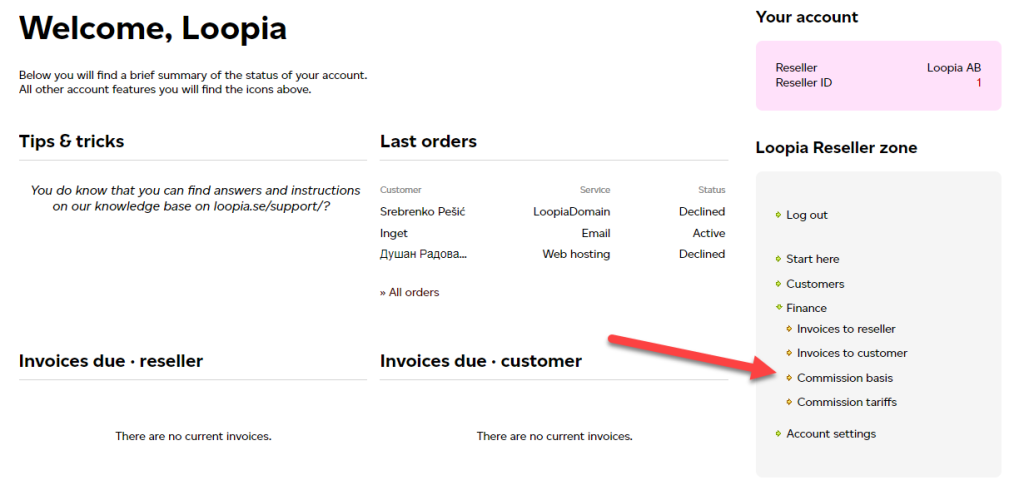
Log in to your reseller account and go to Finance → Commission statement.
Step 2: Request the payment
Click Payment to request a payout of your accrued commission. The amount will be transferred to the bank account you have registered with Loopia.