phpMyAdmin (database admin tool) is the web interface used to manage your MySQL (database) at Loopia. This guide shows you how to open phpMyAdmin from the Loopia Customer Zone, log in with your database user, and select the database you want to work with.
Open the database in Loopia Customer Zone
Log in to the Loopia Customer Zone. Scroll down to the list of your databases and click the database you want to manage.

Log in with your database user
To log in to phpMyAdmin you need your user information (login credentials) for the database. If you do not have any login details yet, you can create a new database user.
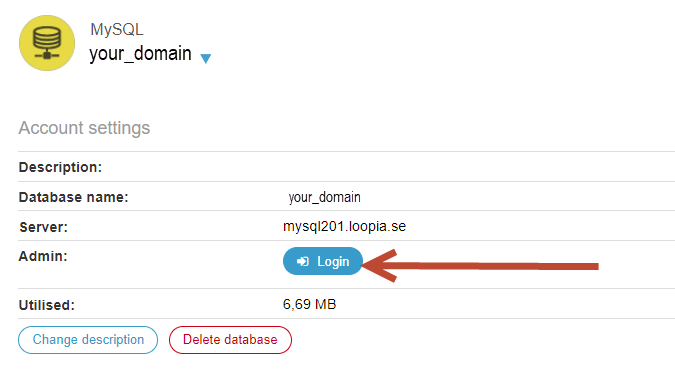
To log in, click the Login button and enter your database username and password.
Select your database
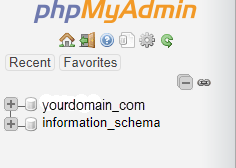
Once you are logged in, click the database name (in this example yourdomain_com) in the left-hand column to start managing its tables and data.