Table of Contents
Where can I see my invoices?
You can read and download all current, paid and deleted invoices directly in your Customer Zone. Scroll to the Invoices section and click the option you need. You can also find receipts and invoice copies by clicking an invoice and then downloading the PDF files. Please note that invoices paid via Bankgiro or bank transfer do not generate receipts, since the payment itself acts as proof of payment.When will I receive my domain invoice?
Domain names are renewed once a year, and if you have several registered domains you may receive several on the same invoice. Domain renewals are based on the month they were registered, invoiced one month in advance. For example:- Domain names renewed between 20XX-10-20 and 20XX-11-19 have an invoice sent out on 20XX-09-01.
- Domain names renewed between 20XX-11-20 and 20XX-12-19 have an invoice sent out on 20XX-10-01.
Do I have to pay my invoice?
If you do not pay your invoice, your service will not be renewed. You are not required to pay the invoice if you no longer want to keep the service active – you can passively terminate your services by simply not paying. Important: If you have saved a payment method on your account and activated automatic payments, your stored payment method will be charged when the invoice falls due. To avoid this, turn off automatic payments or remove your payment method from the account. You can change these settings by clicking Credit card in the Customer Zone. This option is only visible if you have previously saved a card.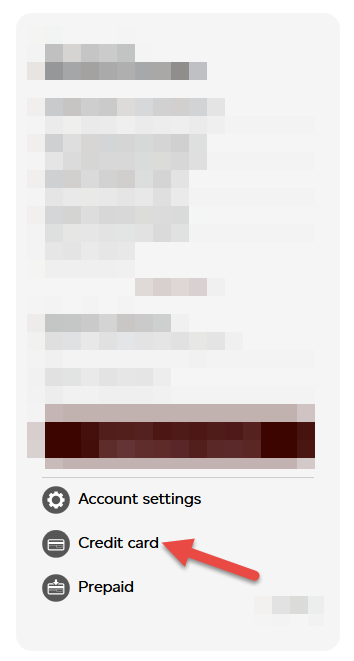
I have an invoice for several domains, what can I do if I only wish to keep some?
You can deactivate the domains you no longer want to renew. A new invoice will then be generated for the domains you wish to keep.- Click a domain in your Customer Zone.
- Click Delete or Deactivate for any domain you no longer want to pay for.
How do I change my invoice address?
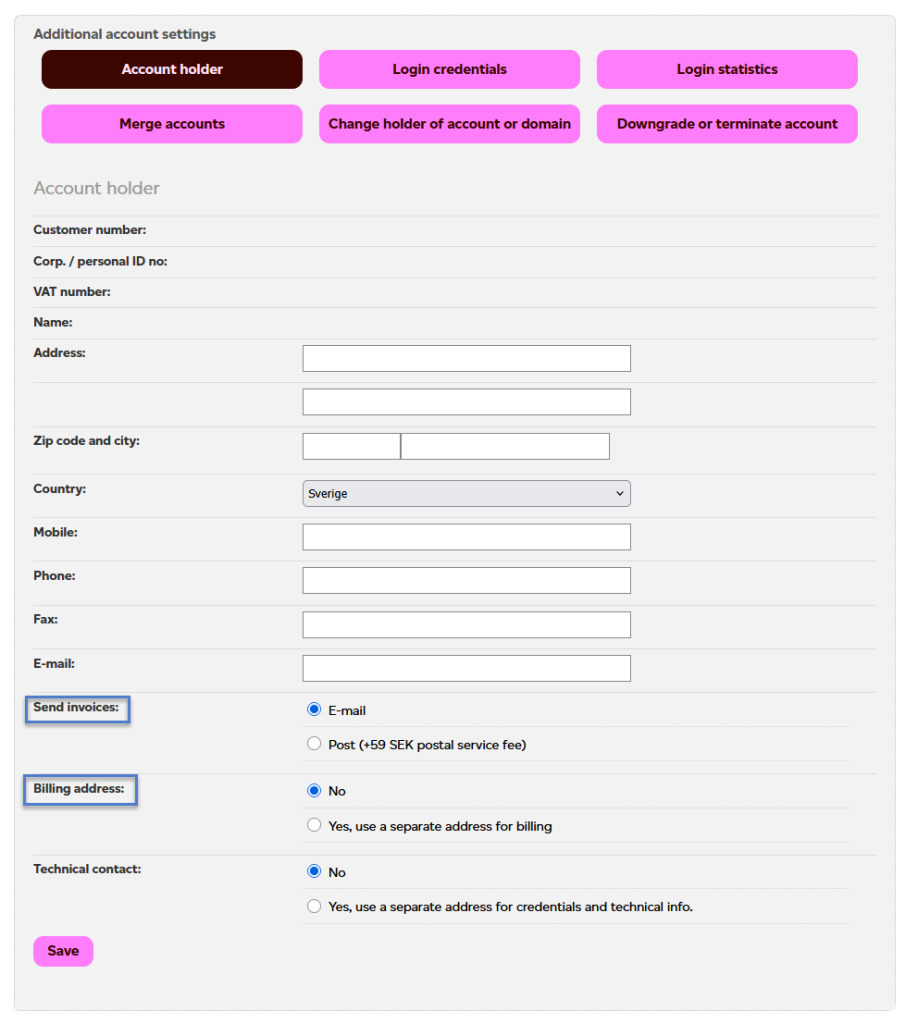
Log in to your Customer Zone and click Account settings in the Account administration tab.