You can update your address details in the Loopia Customer Zone at any time. This guide shows you where to find the address fields and how to save your changes for your Loopia hosting account.
Update your address details
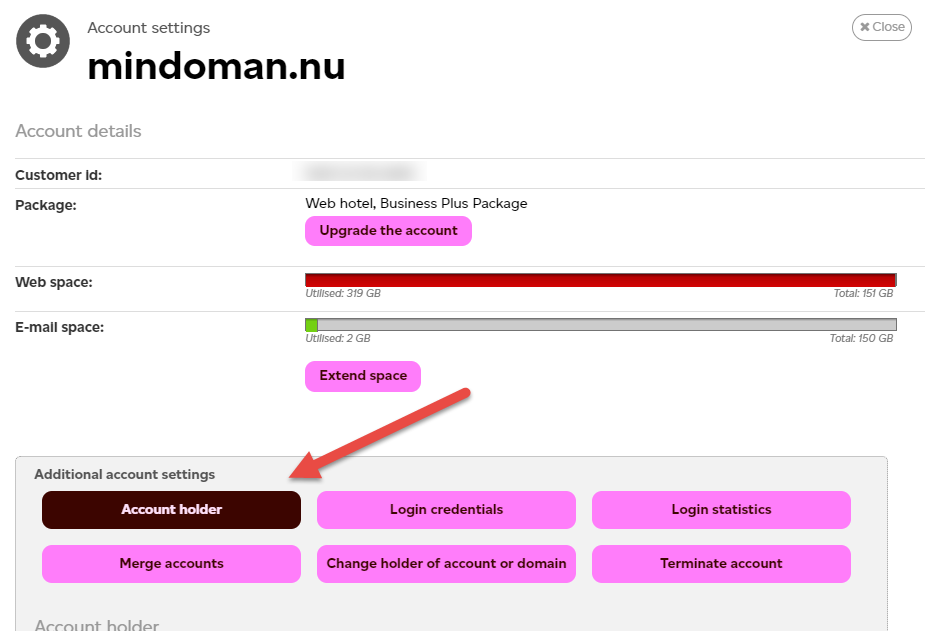
Log in to Loopia Customer Zone and go to Account settings > Account holder. Edit the address fields and save your changes.
Lost your login details?
If you have lost your user information (login credentials) for Loopia Customer Zone, use our password recovery page to receive a one-time login link by email.
Want to transfer ownership instead?
If you need to change the owner of your web hosting account rather than just the address, please follow this guide.