To connect to a MySQL (database) at Loopia you need a database user (login credentials for the database). This guide shows you how to create a new database user from the Loopia Customer Zone (kundzon, account dashboard) and assign the privileges (access rights) it needs.
Open the database settings
Log in to Loopia Customer Zone. Scroll down to the list of your databases and click the database you want to manage.

Create a new database user
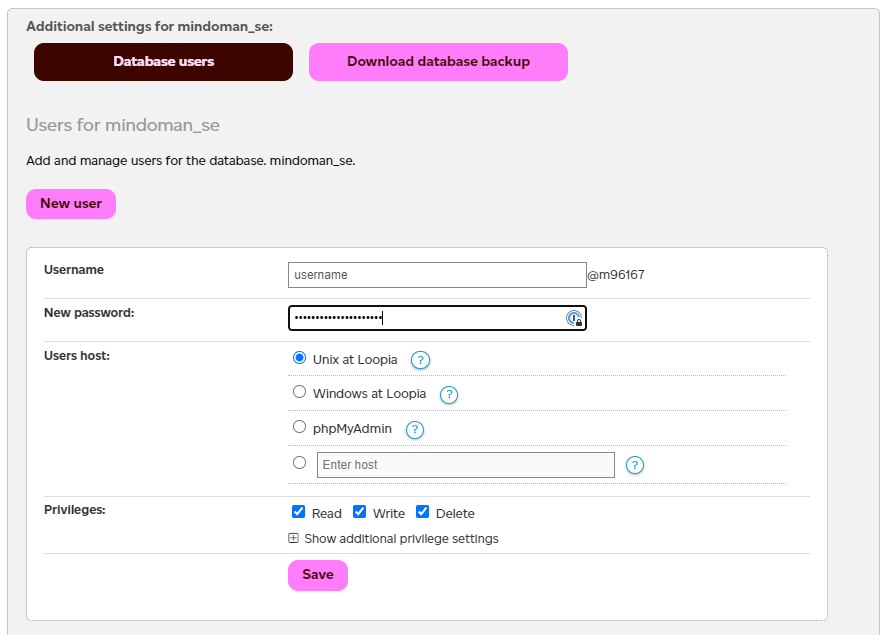
Click the Database user button. From here you can create a new database user by entering a username and password.
Set privileges for the user
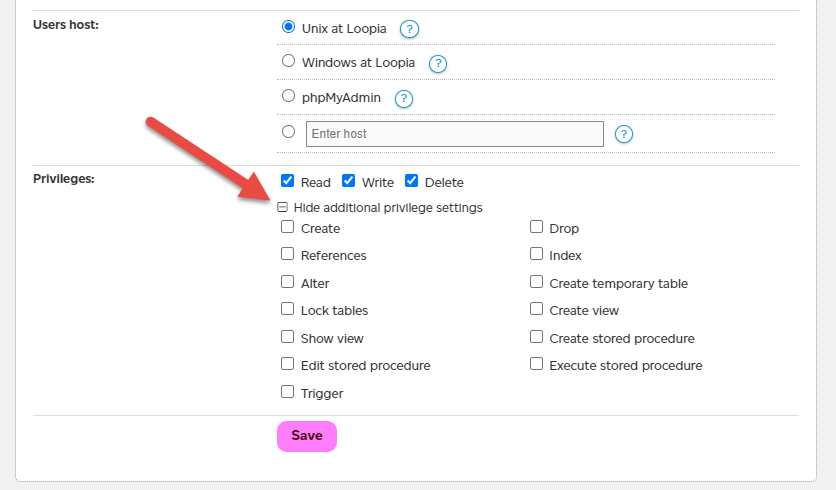
Once the user has been created, click the username again and select which privileges (access rights) you want it to have. If you are unsure which rights you need, you can select all of them.